





Struggling with Internet or WiFi Issues? We’ll Fix It!
Whether you’re at home or managing a business, Internet problems can be frustrating. At Jim’s Antennas, we specialize in diagnosing and resolving WiFi and Internet issues. We start by testing the speed and strength of your connection and then recommend and implement a solution tailored to your specific needs.
Problem with WiFi....

Dead Spots?
Say goodbye to unreliable connections and hello to seamless, uninterrupted internet coverage throughout your home or office. At Jim’s Antennas, we specialize in transforming weak signals into strong, reliable connections with our expert solutions for fixing Wi-Fi dead spots. Stop letting dead spots dictate your online experience. Contact us now to schedule a consultation and enjoy a flawless Wi-Fi connection throughout your entire space. With Jim’s Antennas, connectivity issues are a thing of the past.

Outdoors?
Why limit your Wi-Fi to indoors when you can enjoy fast, reliable internet across your entire property? At Jim’s Antennas, we bring the convenience of high-speed internet to your outdoor spaces, so you can stay connected no matter where you are. Don’t let your outdoor moments be disconnected. Call us today to discover how our outdoor Wi-Fi solutions can enhance your connectivity experience.
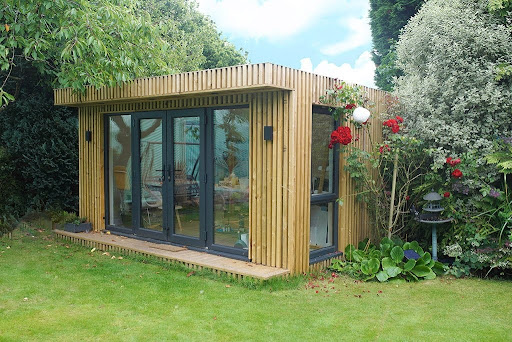
In Distant Locations?
At Jim’s Antennas, we believe that fast, reliable internet should be accessible no matter where you are. Whether you’re in a remote countryside home, a rural business, or a sprawling farm, we specialize in installing robust Wi-Fi solutions that bring the world to your doorstep. Say goodbye to connectivity frustrations and hello to seamless internet access. Contact us today to discover how we can bring reliable Wi-Fi to your rural area and enhance your digital experience.
Our Expertise
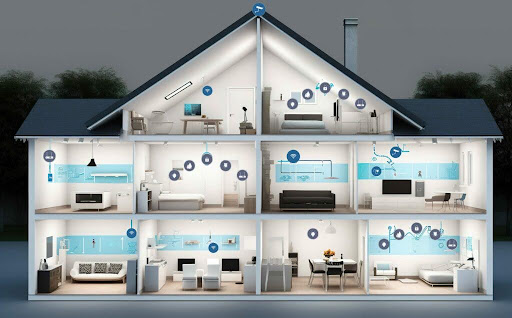
Identifying and Fixing WiFi Dead Spots
Large houses or offices might need a combination of hard wired wifi access points and mesh access points to allow a seamless connection throughout the building.
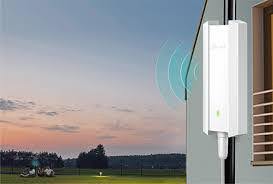
Outdoor WiFi Coverage
Getting fast wifi in outdoor locations can mean installing high quality outdoor access points in just the right location for best coverage
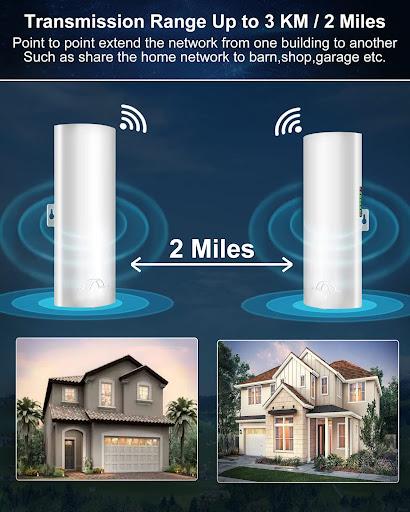
Connecting Multiple Buildings
Have a shed or flat at the end of the garden? A point to point bridge will take high speed internet anywhere on the property.

Reliable Fast Internet
Don’t want to rely on wifi for streaming or video meetings? Wired access points give the speed and reliability of physical wires to ensure the best connection every time.
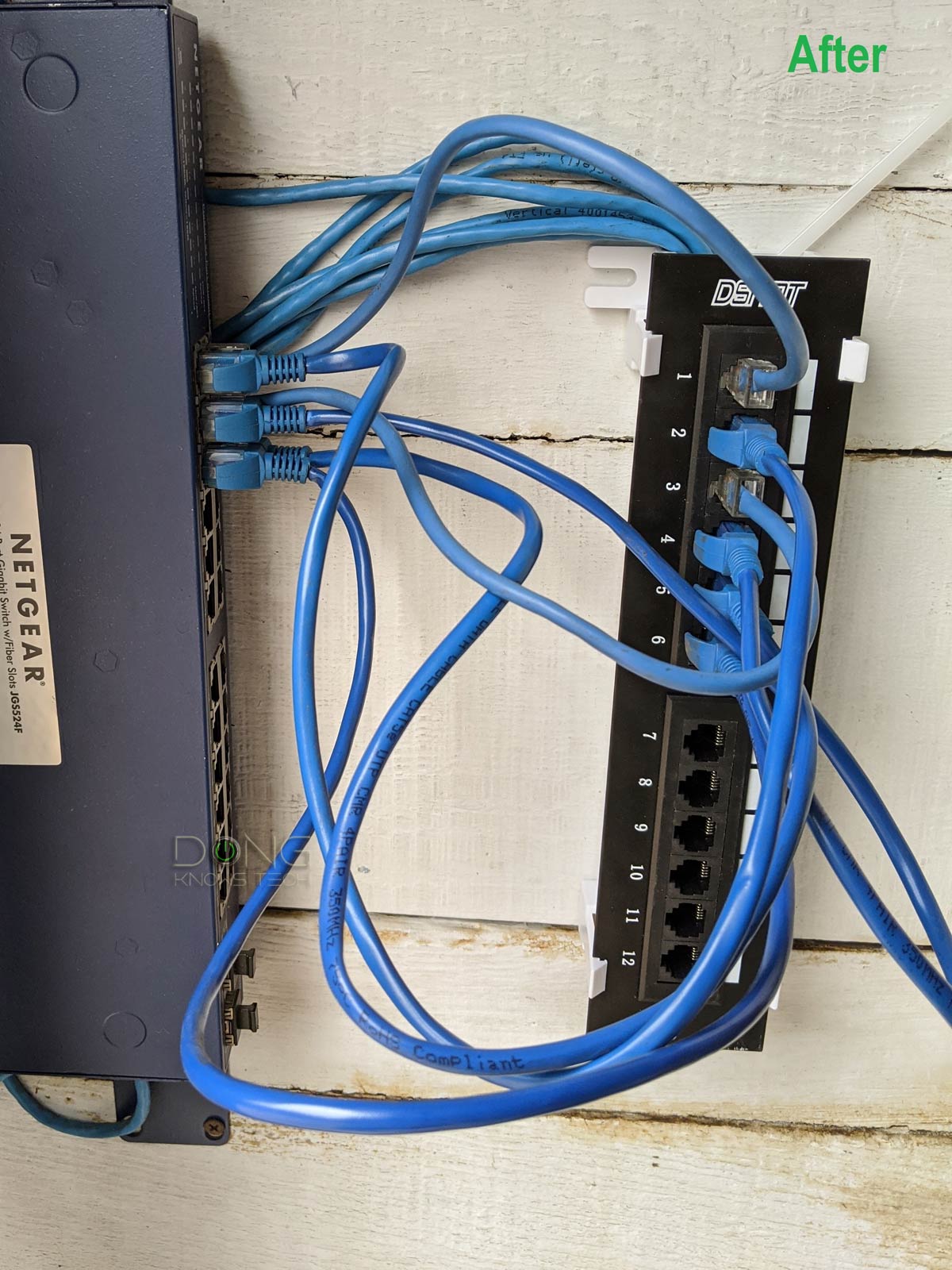
Installing Hard-Wired Data Points
For the ultimate in speed and reliability, nothing beats a physical connection. We install high-grade ethernet cabling to provide dedicated data points for gaming consoles, home offices, and smart TVs, ensuring a stable connection without the interference of wireless signals.
Fast and Hassle-Free Service
Our friendly team here at Jim’s Antennas is eager to help you. We provide a fast and hassle-free service throughout Australia. Call today on 131 546 or click the button below for a free, no-obligation quote.
Frequently Asked Questions
What is the difference between Wi-Fi and hard-wired data points?
- Wi-Fi: A wireless network that connects devices without cables. It’s convenient but can be slower or less stable due to interference.
- Hard-Wired Data Points: Ethernet connections that use cables to provide a direct, stable, and fast internet connection to devices.
Why would I need hard-wired data points when I have Wi-Fi?
Hard-wired data points are beneficial for:
- High-speed, uninterrupted connections for activities like gaming, video conferencing, or streaming in 4K.
- Reducing latency or lag for online tasks.
- Supporting devices in areas with weak Wi-Fi signals.
- Creating a more secure connection compared to Wi-Fi.
What is the best use case for Wi-Fi?
Wi-Fi is ideal for:
- Mobile devices like smartphones, tablets, and laptops.
- Casual internet browsing, social media, and general tasks.
- Environments where mobility is essential.
Can I have both Wi-Fi and hard-wired connections in my home or office?
Yes, combining both is common:
- Use Wi-Fi for convenience with portable devices.
- Install hard-wired data points for high-speed, reliable connections for stationary devices like desk/laptops, gaming consoles, and smart TVs.
How do I install hard-wired data points?
Installation typically involves:
- Running Ethernet cables (Cat5e, Cat6, or higher) from your router or network switch to designated wall outlets.
- Terminating the cables with RJ45 connectors or keystone jacks.
- Mounting wall plates for easy access. Professional installation with licensed and registered cablers is recommended to ensure proper placement and cable management.
How much does it cost to install hard-wired data points?
Costs vary depending on:
- Number of points.
- Cable length and type.
- Wall or ceiling access.
- Labor charges.
- Hard wired data points start from $195 per data point, depending on length and difficulty of cable run, excluding additional equipment like switches.
What type of Ethernet cable should I use for hard-wired data points?
- Cat5e: Suitable for speeds up to 1Gbps.
- Cat6: Better for future-proofing, supporting up to 10Gbps over short distances.
- Cat6a or Cat7: Ideal for high-performance networks or long cable runs.
Will hard-wired connections improve internet speed?
Yes, compared to Wi-Fi, hard-wired connections:
- Deliver consistent speeds.
- Avoid interference from walls, devices, or other networks.
- Maximize the speed provided by your internet plan.
What are the limitations of hard-wired connections?
- Lack of mobility: Devices must be connected via a cable.
- Installation can be costly or complex, especially in older buildings.
- Cables can clutter spaces without proper management.
What equipment is needed for hard-wired data points?
You’ll need:
- Ethernet cables (Cat5e, Cat6, or higher).
- Wall plates and jacks.
- Network switch (if connecting multiple points).
- A router to distribute the internet connection.
How does Wi-Fi signal strength affect my network?
Wi-Fi signal strength determines:
- Connection speed and reliability.
- Coverage area. Factors like walls, interference, and router placement can weaken signals. Use Wi-Fi mesh systems or access points to improve coverage.
How can I improve my Wi-Fi connection?
- Position the router in a central location.
- Reduce interference by keeping the router away from electronic devices and metal objects.
- Use dual-band (2.4GHz and 5GHz) or tri-band routers.
- Upgrade to Wi-Fi 6 for faster speeds and better device management.
Is hard-wiring more secure than Wi-Fi?
Yes, hard-wired connections are inherently more secure because:
- They are not susceptible to wireless hacking or unauthorized access.
- Data travels directly through cables rather than over the air.
Can I mix wired and wireless connections in the same network?
Yes, most routers support a hybrid setup, allowing devices to connect via both Ethernet and Wi-Fi simultaneously.
How do I decide whether to use Wi-Fi or a hard-wired connection?
- Wi-Fi: For mobility and convenience with smartphones, tablets, and casual usage.
- Hard-Wired: For stationary devices needing high-speed, reliable connections, such as gaming consoles, smart TVs, and desktop computers.
How do hard-wired connections affect gaming and streaming?
Hard-wired connections:
- Reduce latency and packet loss, improving gaming experiences.
- Ensure smooth streaming without buffering, even for high-resolution content.
What is Powerline networking, and how does it compare to hard-wired data points?
Powerline networking uses your home’s electrical wiring to transmit data. It’s easier to set up but may have slower speeds and more interference than traditional Ethernet connections.
What is a mesh Wi-Fi system, and how does it compare to hard-wired data points?
A mesh Wi-Fi system uses multiple nodes to provide seamless wireless coverage across a home. It’s a good alternative for improving Wi-Fi but cannot match the stability and speed of hard-wired data points.
What is a Wi-Fi access point?
A Wi-Fi access point (AP) is a device that connects to a wired network and broadcasts a Wi-Fi signal, allowing wireless devices to connect to the network.
Access points are commonly used in larger homes, offices, or businesses to extend Wi-Fi coverage and improve signal strength in areas with weak connectivity.
Are hard-wired data points future-proof?
Yes, using higher-grade cables like Cat6 or Cat6a ensures your network can handle faster internet speeds and evolving technology demands.
Should I hire a professional for hard-wired data point installation?
Yes, due to cabling rules in Australia you should use a licensed and registered cabler who can:
- Ensure proper cable placement and termination.
- Avoid damaging walls or existing electrical systems.
- Test and certify connections for optimal performance.
Learn more

Is Your Wi-Fi Router Letting You Down?
Your Wi-Fi router is the engine behind everything you do online from streaming and working to running security systems and

Most Common Break-In Methods Used in South Australia (And How to Stop Them)
Most break-ins we see aren’t complicated. In fact, they usually happen because criminals spot an easy opportunity. Unlocked doors and
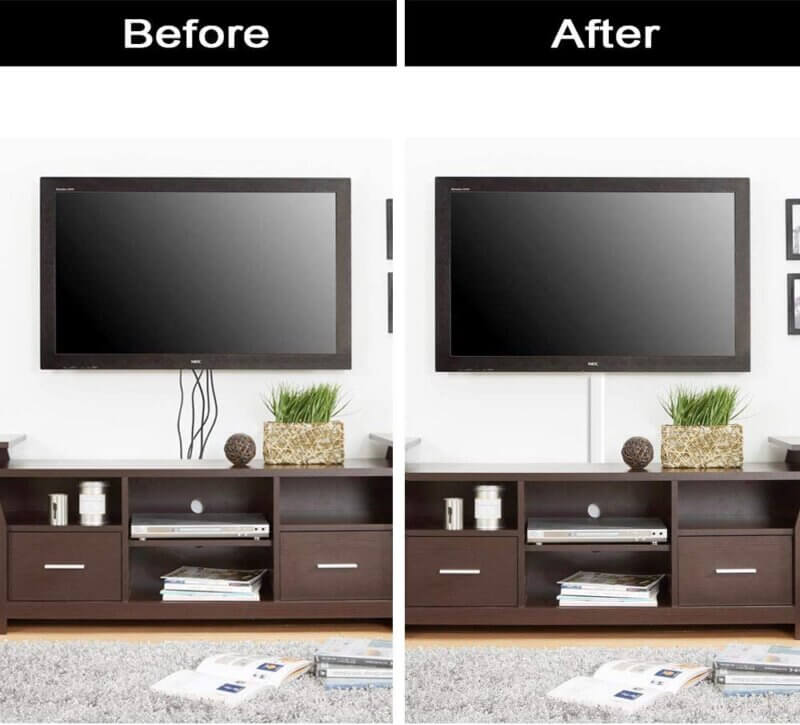
Upgrade Your Living Room with Professional TV Wall Mounting
Wall mounting your TV is one of the most popular ways to create a clean modern look in your living